

The whole studio,
in your pocket.
NeoCut edits your take for you. The app lets you change every caption, shot and sound, record with a teleprompter, and join several takes into one video.
 iPhone app coming soon
 Free to download on Google Play. The iPhone app is coming soon.
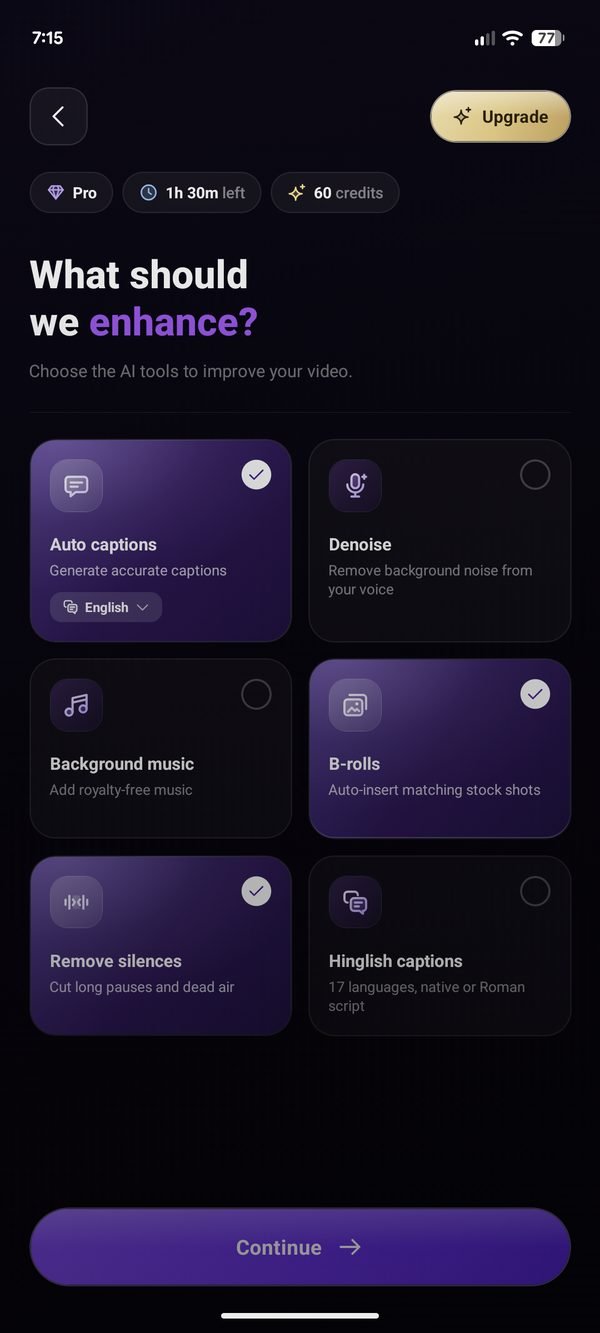
What you can do in the app.
Edit every caption
Fix any word, drag and resize each line, and switch between 55+ caption styles previewed on your own clip.
B-roll your way
Nine layouts, AI-filled gaps, stock search or your own clips, framed and trimmed on a multi-track timeline.
Hook lines
AI writes six opening lines from your script; style the one you pick in any of 14 looks.
Teleprompter
A reading band right under the lens, pace you can change mid-take, and mirror mode.
Clipper
Merge up to 20 takes (split, trim, reorder), then send them straight to the AI edit.
Colour and camera
12 looks plus fine controls, and camera push-ins you can tune move by move.
Text
Add your own text with fonts, colours, outlines and backgrounds; drag and resize it on the video.
Music
AI picks a track for your script's mood; replace it with another of the same mood, set its volume, or remove it.
Denoise
One switch removes fans, traffic and hiss and levels your voice for social.
Platform preview
See your video under the Reels, Shorts or TikTok interface to check nothing hides behind the buttons.
Text behind you
On templates, switch the speaker cut-out on or off.
Export up to 4K
Never above your original video's quality. Preview before you export, keep editing while it renders, save to your gallery or share. No watermark.