

Film it raw.
Post it finished.
One raw take in, a captioned, scored, cinematic edit out. In English and 26 more languages.
Free on Google Play · iPhone coming soon
Same take, before and after · the edit is NeoCut's
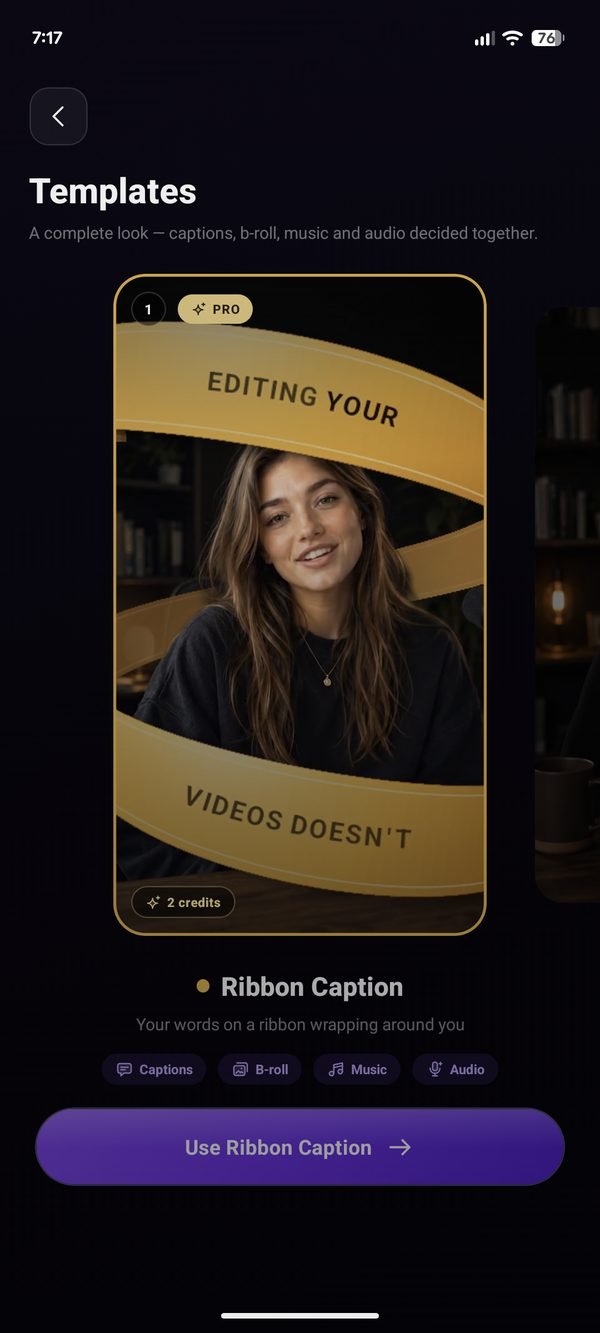
Pick a template. NeoCut directs the edit.
Captions, B-roll, camera and depth decided together. Your words can even pass behind you. In the NeoCut app, on Pro and Studio.
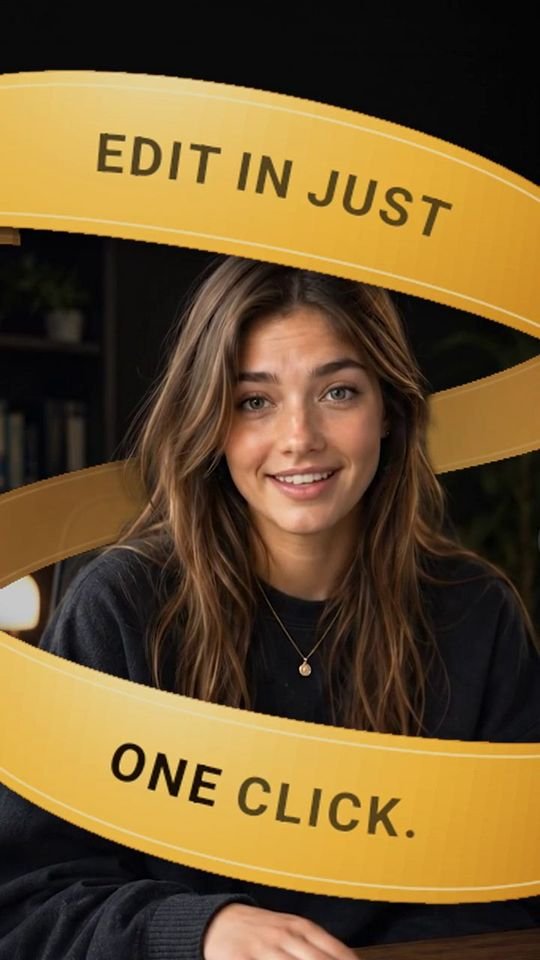 01 AI-generated presenter
 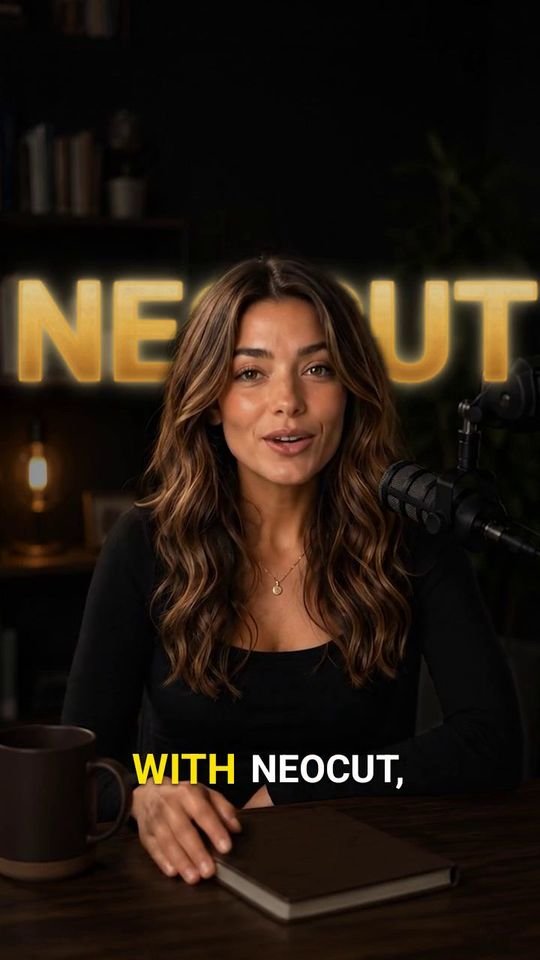 02 AI-generated presenter
 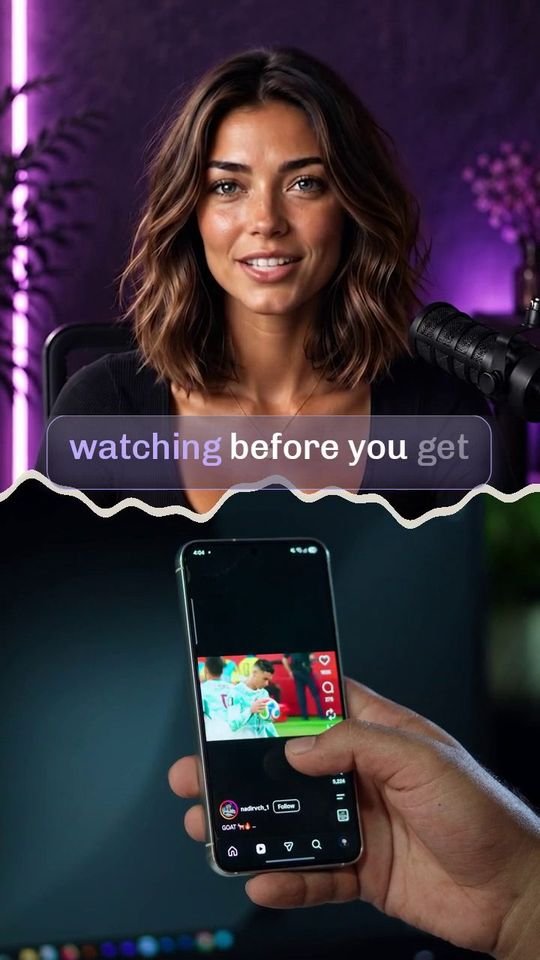 03 AI-generated presenter
 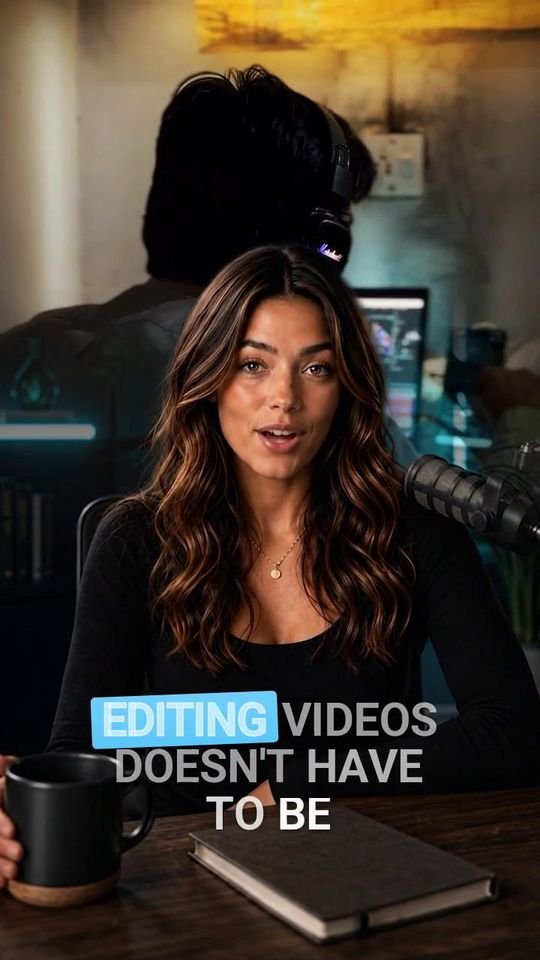 04 AI-generated presenter
 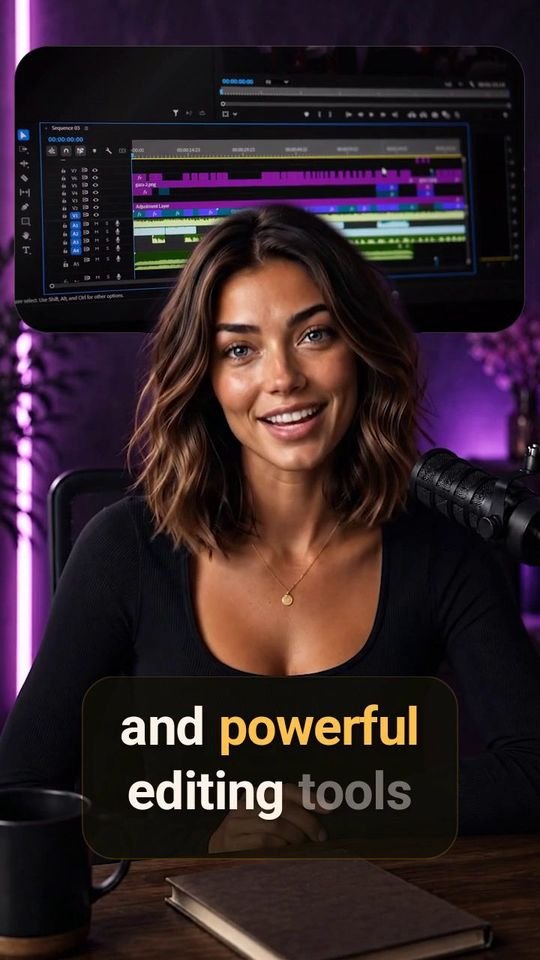 05 AI-generated presenter
 Switch on in any edit: silences cutvoice cleaned upmusic picked for your scriptB-rollcaptions in 27 languages
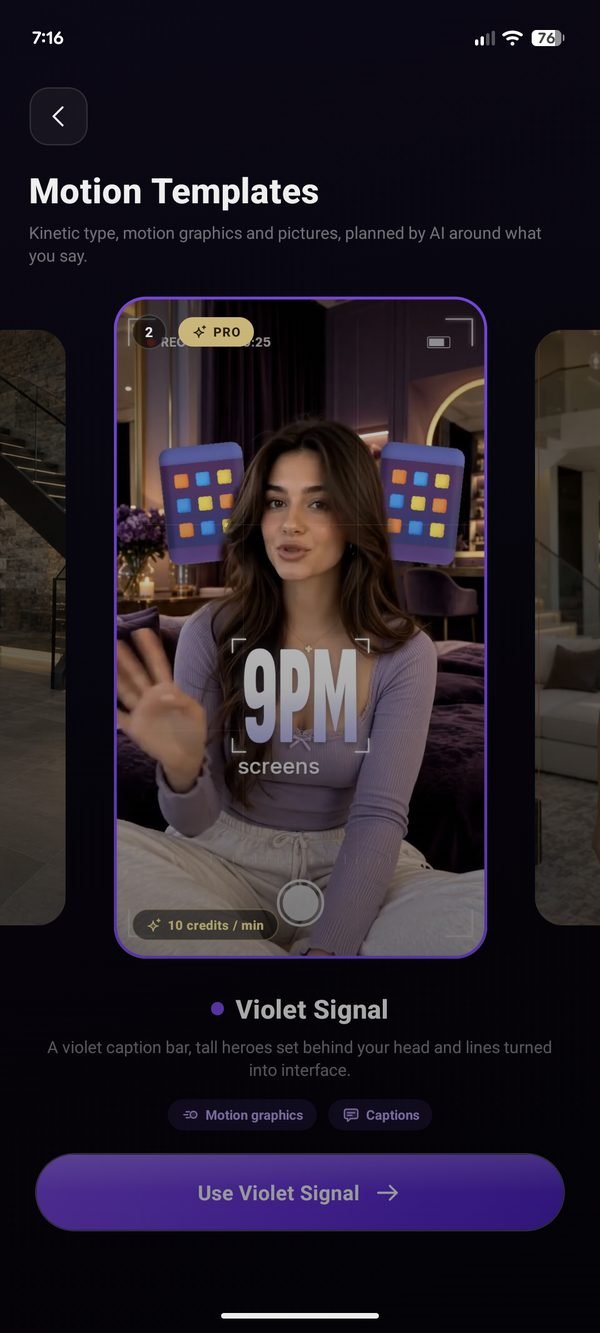
Kinetic type, full-screen moments, photos and camera moves, planned around what you say. In the app on Pro and Studio.



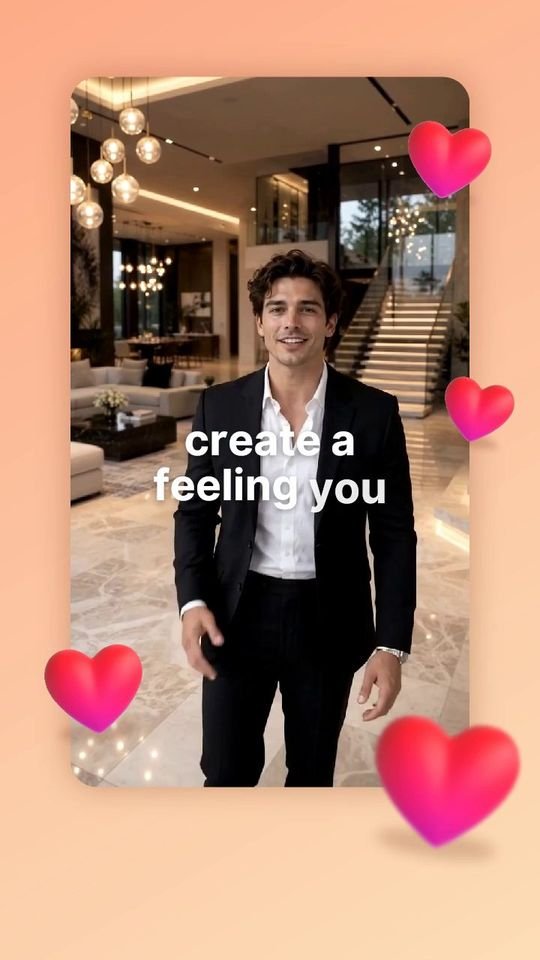

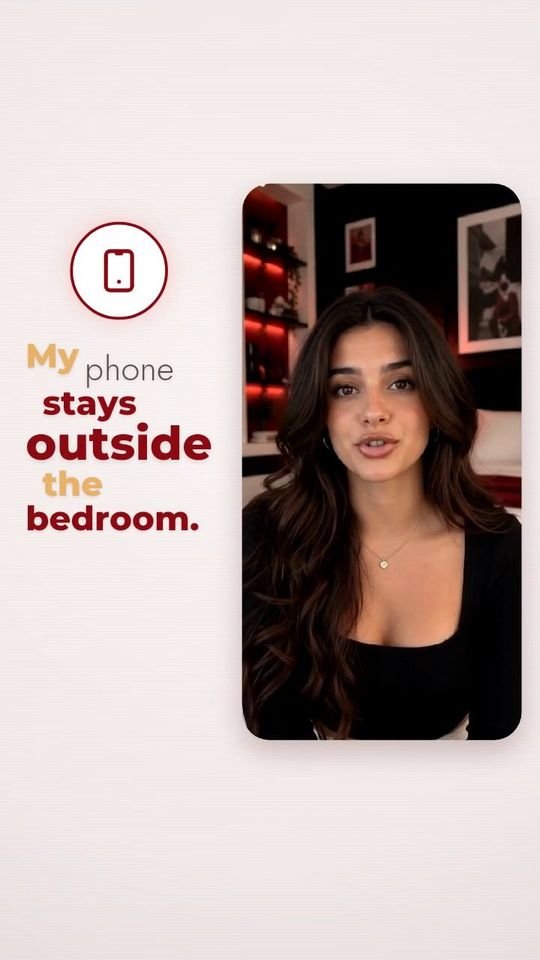

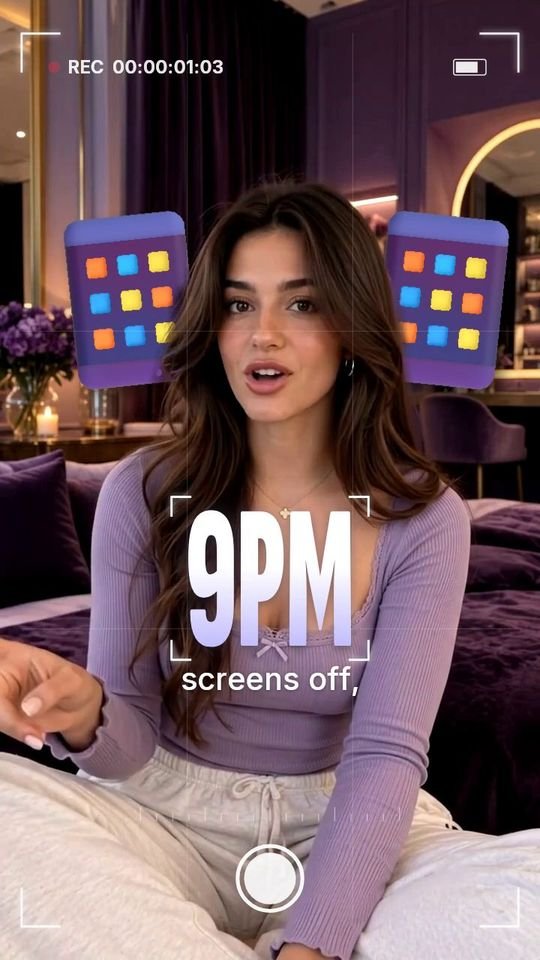
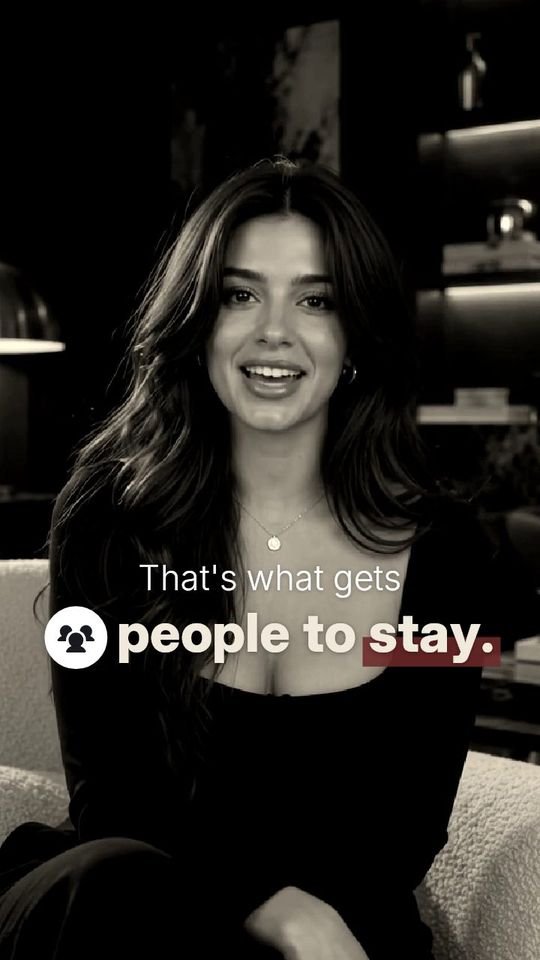

Words that stop the scroll, all by themselves.
Not every video needs a full template. Sometimes it just needs captions people can't look away from. NeoCut has 55+ styles (neon, editorial, kinetic, glass, gradient), and every one lands on the exact word you say. These 21 were recorded straight from the app.
Seven tools.
Zero timeline.
- 01
Silences cut
Dead air and long pauses go first, before anything else runs.
- 02
Every word transcribed
Word-level timing in 27 languages.
- 03
Your voice cleaned
Background noise removed, loudness levelled for social.
- 04
Music scored to your script
Genre and mood picked from what you actually said.
- 05
B-roll placed
Matching shots, cut in where your script calls for them.
- 06
Captions in your template
Words that can pass behind you, cut out by subject masking.
- 07
The camera moves
Eased push-ins on your key lines. No hard jump cuts.
Speaks your audience's language.
Captions timed to every word, in each language's own script, or in Roman letters, the way people actually type.
NeoCut does the edit.
You keep every control.
Pick a template or a caption style and NeoCut edits the take. Then change anything you like.
Edit every caption
Fix any word, drag and resize each line, and switch between 55+ caption styles previewed on your own clip.
B-roll your way
Nine layouts, AI-filled gaps, stock search or your own clips, framed and trimmed on a multi-track timeline.
Hook lines
AI writes six opening lines from your script; style the one you pick in any of 14 looks.
Teleprompter
A reading band right under the lens, pace you can change mid-take, and mirror mode.
Clipper
Merge up to 20 takes (split, trim, reorder), then send them straight to the AI edit.
Colour and camera
12 looks plus fine controls, and camera push-ins you can tune move by move.
 iPhone app coming soon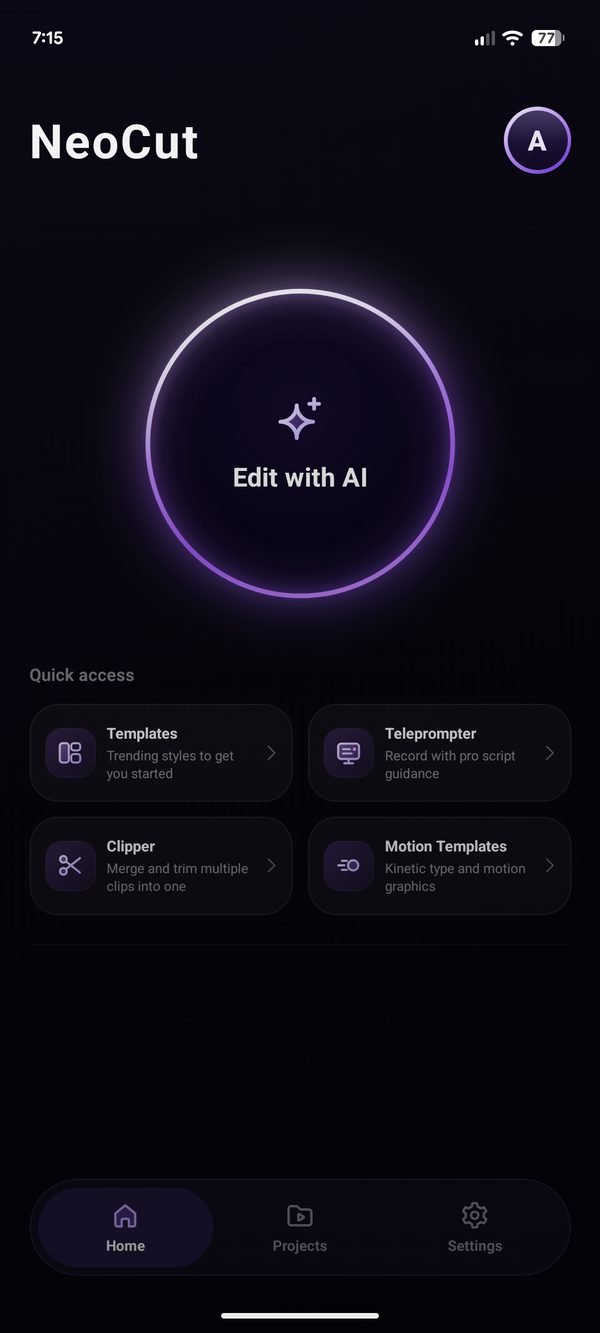
Pay for minutes. Templates use AI Credits.
Monthly plans. Every plan includes captions, B-roll, music, silence removal and voice cleanup. Templates use AI Credits, included with Pro and Studio.
Prices shown are what the App Store and Google Play charge in India, inclusive of taxes; your store shows the final price in your currency.
Good to know.
Is it free to try?
Yes. NeoCut is free to download. The Free plan gives you 2 minutes of video to try it, with captions, B-roll, music and silence removal. Paid plans are monthly and priced by minutes of video; templates are on Pro and Studio. Motion Templates are on Pro and Studio too.
How long does it take?
A few minutes. Finding you in every frame so words can pass behind you is the slow part. You don't have to wait: with notifications on, the app tells you when it's ready.
Which languages does it understand?
27 languages: English, Indonesian, Spanish, French, German, Italian, Portuguese, Dutch, Polish, Turkish, and 17 Indian languages, each in its own script or in Roman letters.
Where do I edit?
In the NeoCut app, free on Google Play, with the iPhone app coming soon. Add one take, pick a template or one of 55+ caption styles, and NeoCut does the edit. Then you can change any caption, shot or sound.
What happens to my video?
It is processed to make your edit and handled as described in our privacy policy. Read the privacy policy.